Owner's Message
The Owner’s Message section is a personal note from you to your customers, a quote or short statement that builds trust. It appears near the bottom of the home page, and it includes your message and a call-to-action button.
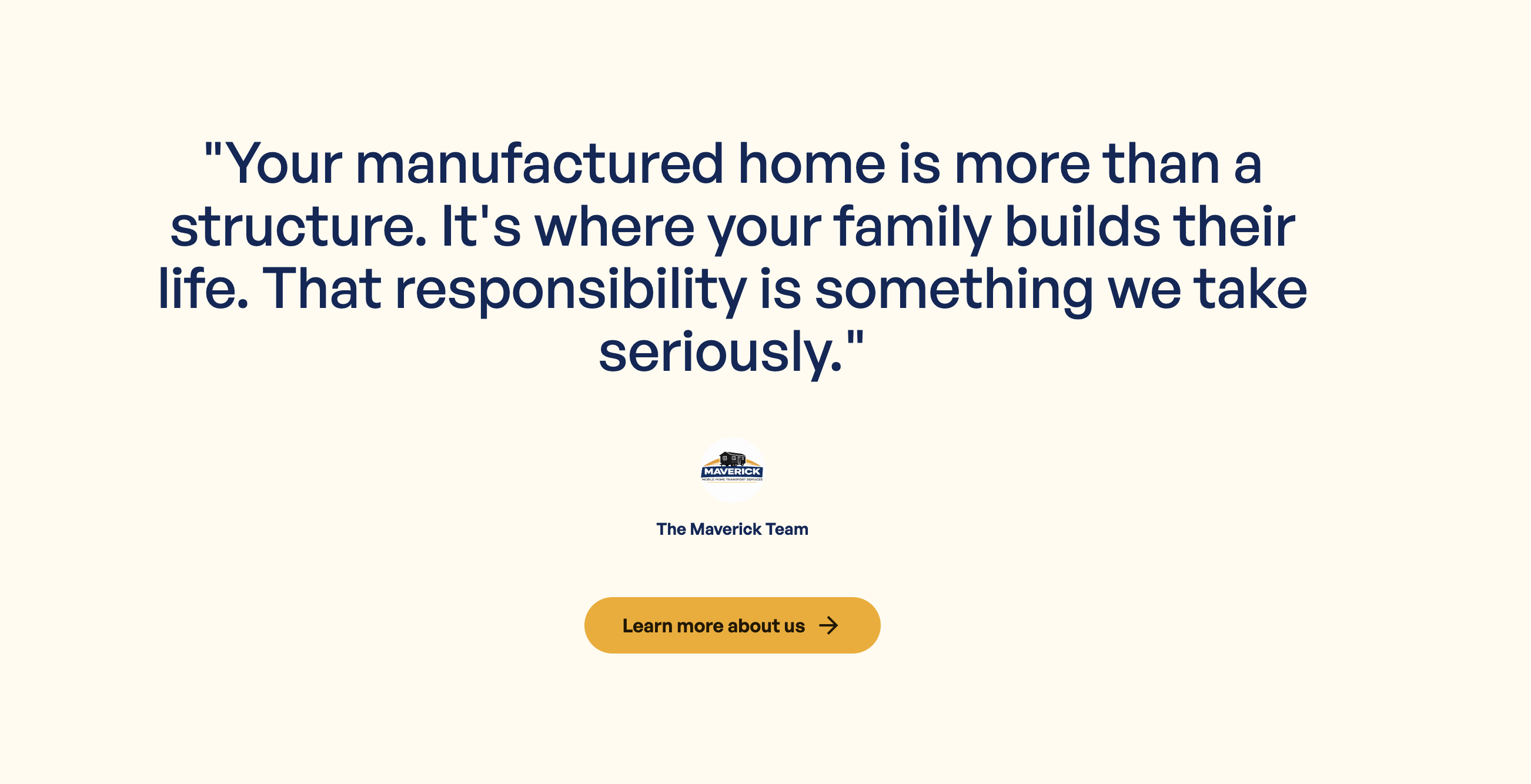
Where to Find It
Section titled “Where to Find It”- Log in to Directus.
- Click Content in the left sidebar.
- Click Pages (English) > Home (for English) or Pages (Spanish) > Home (for Spanish).
- Scroll down to the Owner’s Message fields.
Field Reference
Section titled “Field Reference”| Field | What it does |
|---|---|
| Message | Your personal quote or message to customers |
| Action Button | The call-to-action button below your message |
Step-by-Step: Updating Your Message
Section titled “Step-by-Step: Updating Your Message”- Open home (or home_es for Spanish).
- Click the Message field.
- Type your message. Write it in your own voice, as if you’re speaking directly to a customer.
- Click Save.
Tips for a Great Owner’s Message
Section titled “Tips for a Great Owner’s Message”- Keep it personal: use “I” and “we.” This is your voice, not a corporate statement.
- Keep it short: 2 to 4 sentences is ideal. One powerful paragraph goes further than a long one.
- Focus on trust: mention your experience, your commitment, or your community roots.