Expertise Section
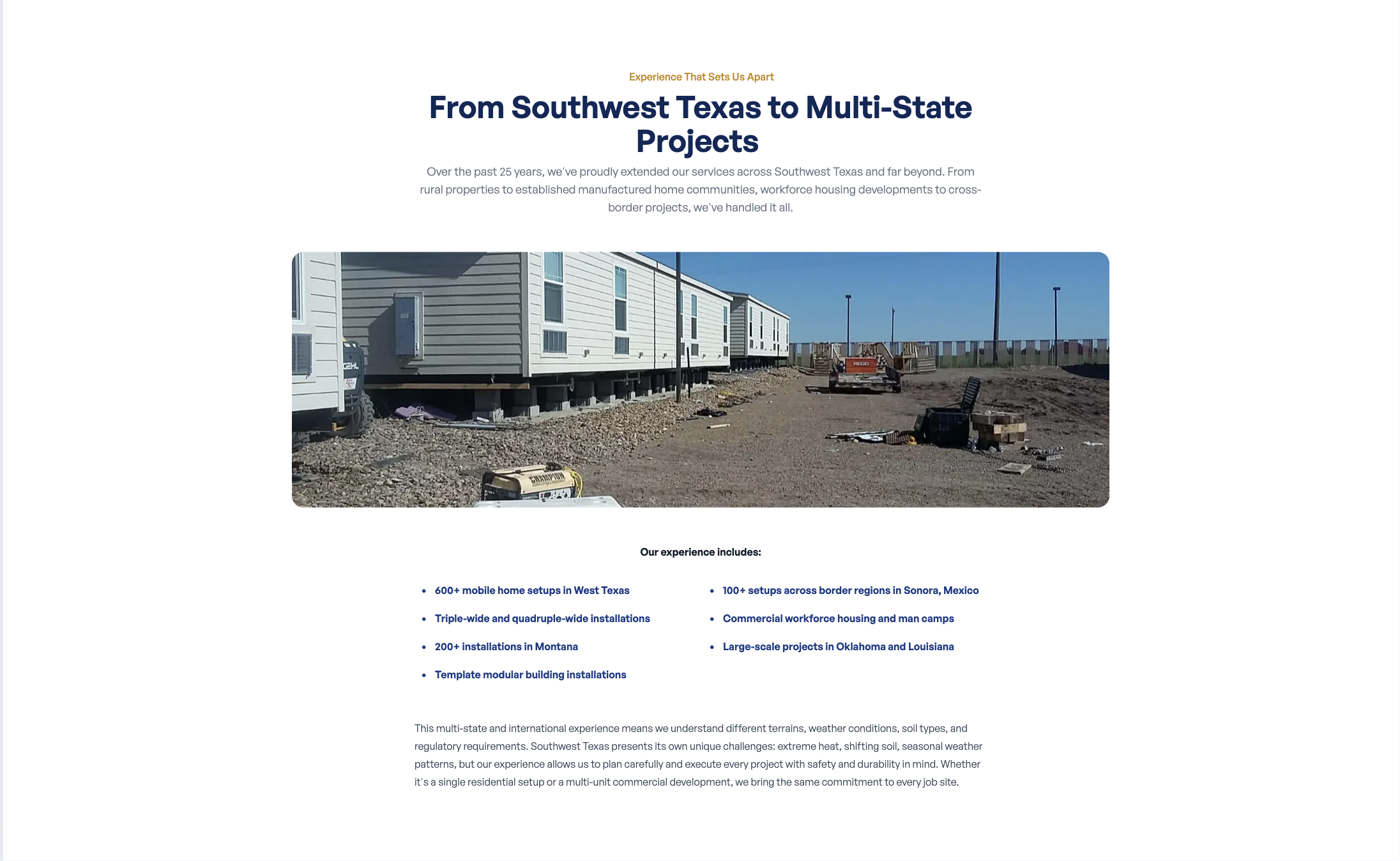
The expertise section highlights your company’s depth of knowledge and experience. It includes a label, a heading, a short description, and a photo.
Where to Find It
Section titled “Where to Find It”- Log in to Directus.
- Click Content in the left sidebar.
- Click Pages (English) > Home (for English) or Pages (Spanish) > Home (for Spanish).
- Scroll down to the Expertise Section fields.
Field Reference
Section titled “Field Reference”| Field | What it does |
|---|---|
| Subtitle | The small uppercase label above the heading |
| Title | The section heading (e.g., “25+ Years of Experience”) |
| Description | The paragraph of text describing your expertise |
| Image | The photo displayed alongside the text |
Step-by-Step: Editing the Expertise Section
Section titled “Step-by-Step: Editing the Expertise Section”- Open home (or home_es for Spanish).
- Click the Subtitle field and update the label.
- Click the Title field and update the heading.
- You can use
*asterisks*around a word to make it appear in amber: e.g.,*25+ Years* of Experience
- You can use
- Click the Description field and update the description.
- To update the photo, click the Image field and upload a new image.
- Click Save.
Changing the Photo
Section titled “Changing the Photo”- Click the Image field.
- Click Upload a File (or drag and drop a photo from your computer).
- Wait for the upload to complete.
- Click Save.