Closing Message
The closing message is the last thing visitors read on the About page. It’s a short, heartfelt statement that leaves a lasting impression and invites them to reach out.
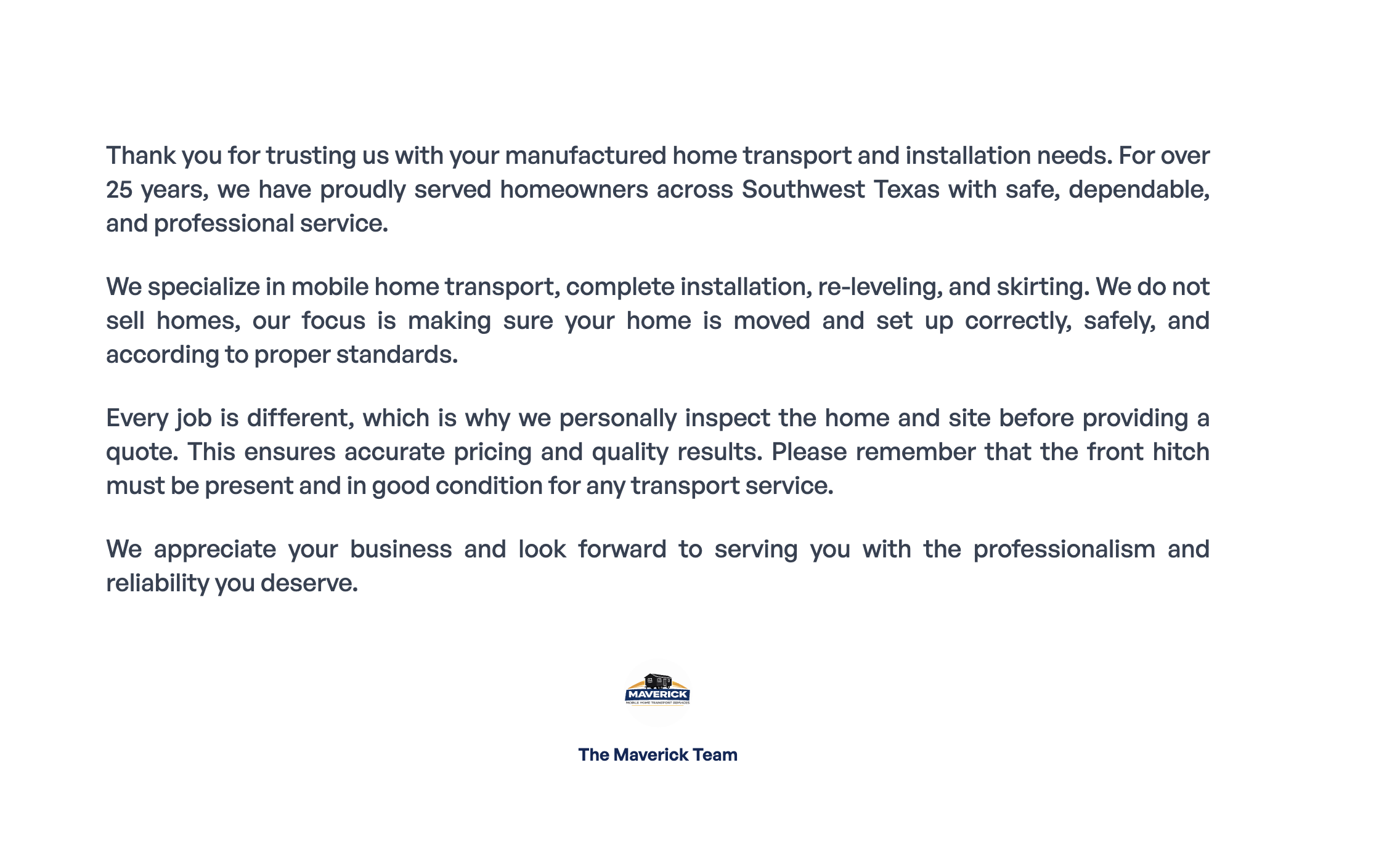
Where to Find It
Section titled “Where to Find It”- Log in to Directus.
- Click Content in the left sidebar.
- Click about (for English) or about_es (for Spanish).
- Scroll to the very bottom to find the Closing Message field.
Field Reference
Section titled “Field Reference”| Field | What it does |
|---|---|
| Message | The final message at the bottom of the About page — supports markdown formatting |
Step-by-Step: Updating the Closing Message
Section titled “Step-by-Step: Updating the Closing Message”- Open about (or about_es for Spanish).
- Scroll to the bottom and click the Message field.
- Type your closing message.
- Click Save.
Formatting the Closing Message
Section titled “Formatting the Closing Message”The Message field supports markdown, so you can add bold text, paragraph breaks, and more.
| To do this… | Type this… |
|---|---|
| Bold text | **your text** |
| New paragraph | Leave a blank line between paragraphs |
| Italic text | *your text* |
For the full markdown reference, see the Formatting Guide.