Hero & Our Story
The About page opens with a hero banner (similar to the home page), followed by the “Our Story” section where you share how your business started. This guide covers both.
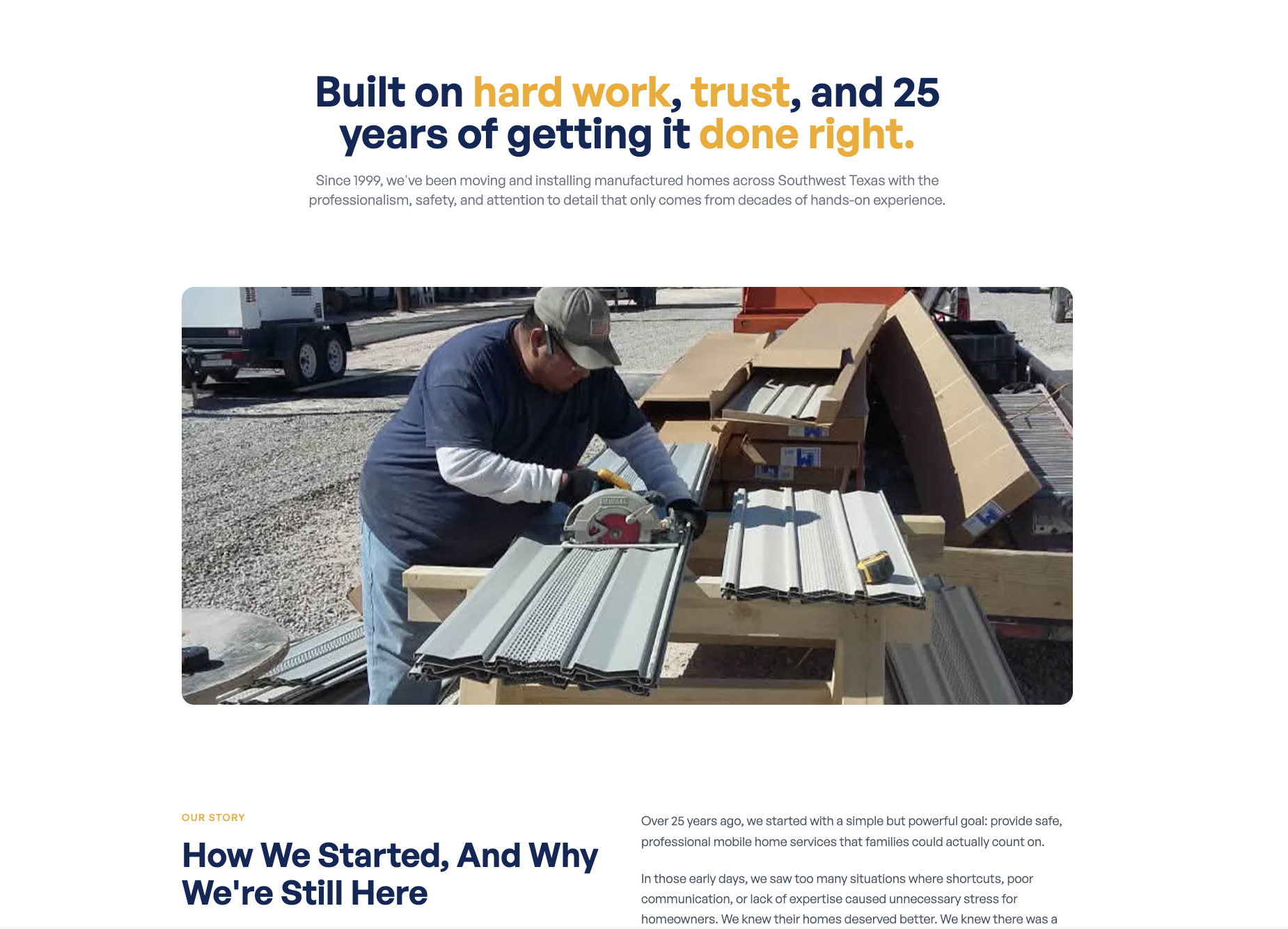
Where to Find It
Section titled “Where to Find It”English About page:
- Log in to Directus.
- Click Content in the left sidebar.
- Click about; the item opens directly.
Spanish About page:
- Same steps, but click about_es instead.
Hero Section Fields
Section titled “Hero Section Fields”| Field | What it does |
|---|---|
| Title | The main heading on the About page banner |
| Description | The short paragraph of text in the hero |
| Image | The background image for the hero banner |
Step-by-Step: Editing the Hero
Section titled “Step-by-Step: Editing the Hero”- Open the about collection.
- Click the Title field and update the heading.
- Use
*asterisks*around a word to make it appear in amber: e.g.,About *Maverick*
- Use
- Click the Description field and update the paragraph.
- To change the background image, click Image and upload a new photo.
- Click Save.
Our Story Section Fields
Section titled “Our Story Section Fields”| Field | What it does |
|---|---|
| Title | The heading for the “Our Story” section (e.g., “How It All Started”) |
| Description | The full story of how your business began, supports markdown formatting |
Step-by-Step: Editing the Our Story Section
Section titled “Step-by-Step: Editing the Our Story Section”- Open the about collection.
- Click the Title field and update the heading.
- Click the Description field and write your story.
- Click Save.
Formatting the Story Text
Section titled “Formatting the Story Text”The Description field supports markdown, which lets you add simple formatting like bold text, headers, and bullet points.
| To do this… | Type this… |
|---|---|
| Bold text | **your text** |
| A new paragraph | Leave a blank line between paragraphs |
| A bullet list | Start each line with - |
| A section header | Start the line with ## |
For the full markdown reference, see the Formatting Guide.